Relative URLs in the location header in the redirections
Historically, broadpeak.io was setting by default the value of the Location header in the response to be root-relative. This was working in a majority of situations, including when going through a CDN. However there are situations in which the path of the streaming URL through the CDN starts with elements that are not linked to the source URL, and therefore not handled by the player. In such cases, you can configure the Service (through the WebApp or APIs) to use relative URLs instead.
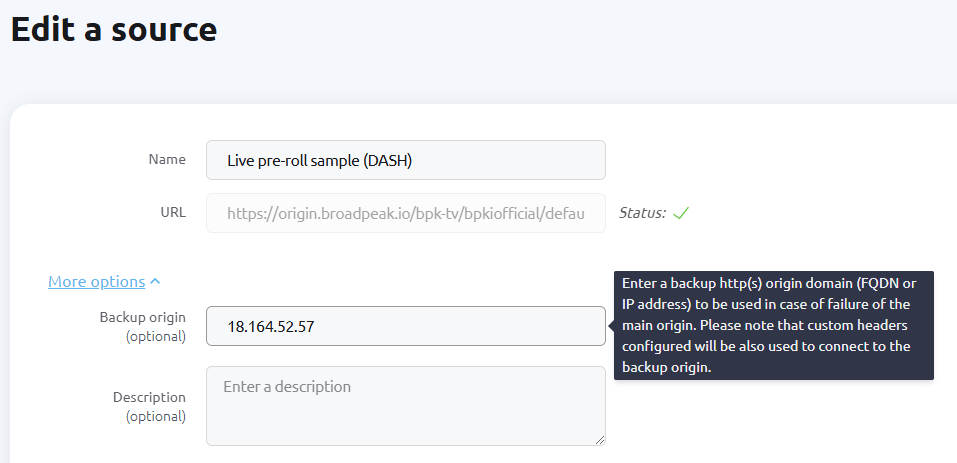
You can now define a backup IP/FQDN for your live, asset and asset catalog sources. When the primary IP/FQDN returns an error (404, 500, 502, 503, 504) or times out (>2 seconds), it will be blacklisted for 10 minutes, and origin requests will automatically switch to the backup IP/FQDN.
Here is a screenshot of the WebApp showing the addition of a backup IP/FQDN on an existing live source:
Backup IP/FQDN for live/asset/asset catalog sources
Please note that this feature is still in Release Candidate phase. A feature marked as Release Candidate (RC) is available for all users and has passed initial testing phases. It is considered functional and stable, but may still undergo minor refinements based on real-world usage and feedback. By using RC features, you can access the latest innovations while contributing to their final optimization. We will update this changelog when the feature moves from RC to GA (General Availability).
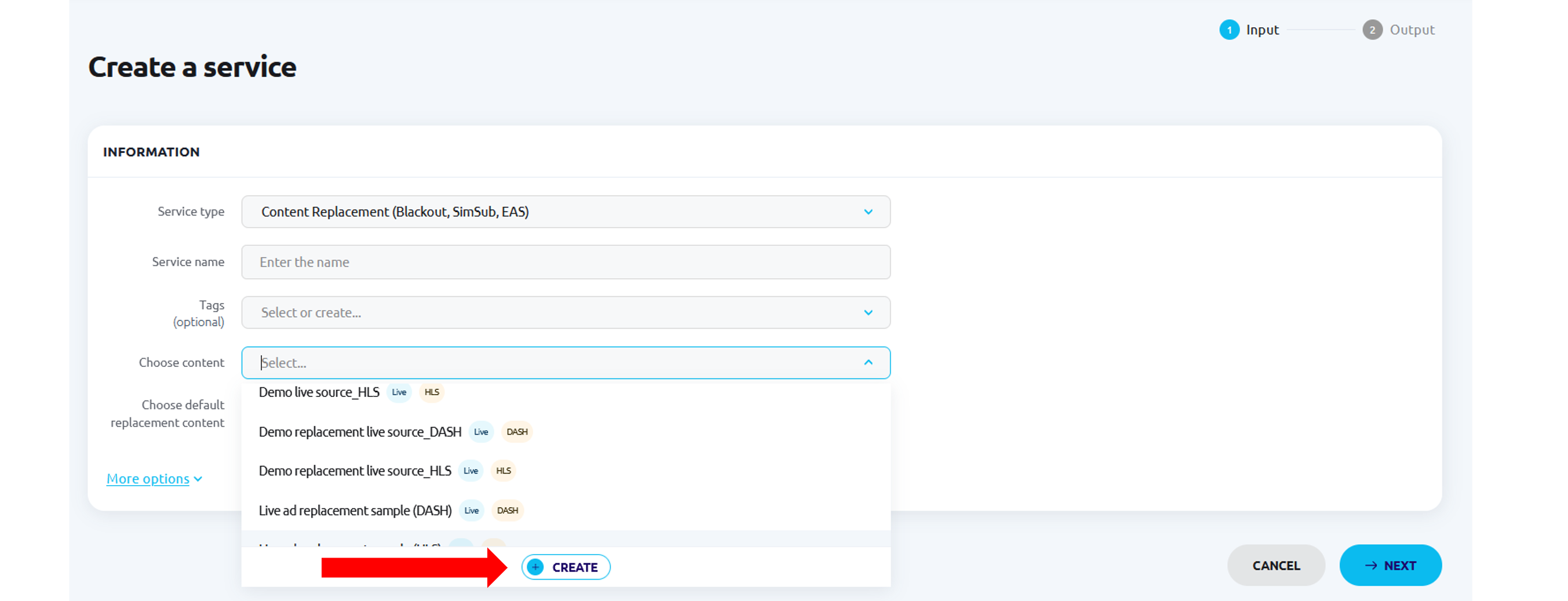
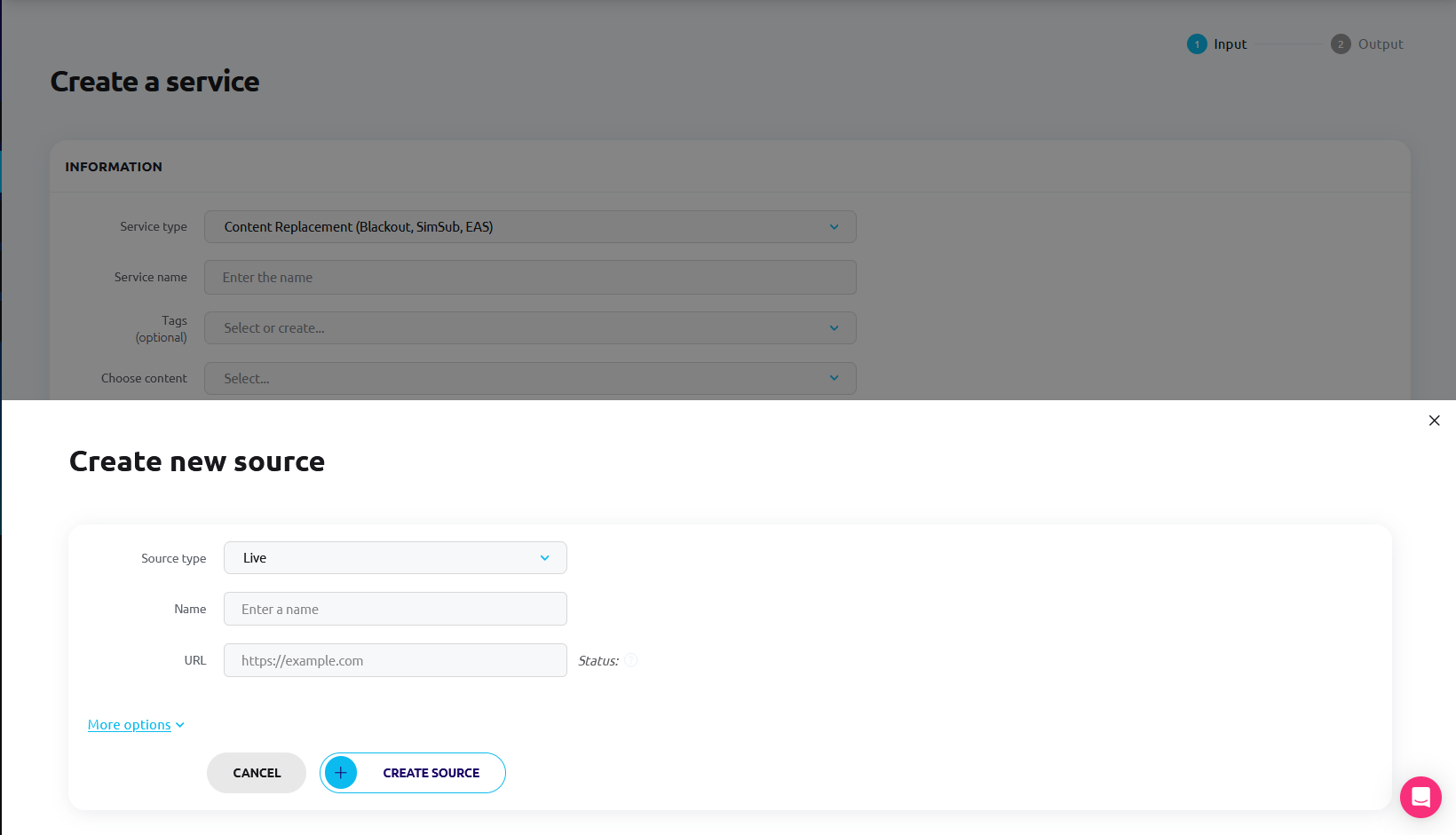
We know setting up services can involve multiple steps, especially when managing different source components. To make this process faster and more intuitive, we've introduced a way to create sources directly while creating a service in the webapp.
Now, for each source component, you'll find a "+" button that opens a source creation form. The form adapts dynamically, filtering the "Source type" field based on the context of the calling field. For example:
Content Replacement:
"Choose content": live
"Choose default replacement content": live or asset
Virtual Channel:
"Choose base live source": live
"Select an ad server": ad-server
"Select a gap filler": asset or slate
Content Replacement/Virtual Channel slots:
"Replacement content": live or asset
Dynamic Ad Insertion:
"Choose content": live or asset-catalog
"Select an ad server": ad-server
"Select a gap filler": asset or slate
Adaptive Streaming CDN:
"Choose origin": origin
Once a source is created, the drawer closes automatically, and the new source is set in the calling field, making the setup process smoother and more efficient.
First step of source creation in service creation Second step of source creation in service creation
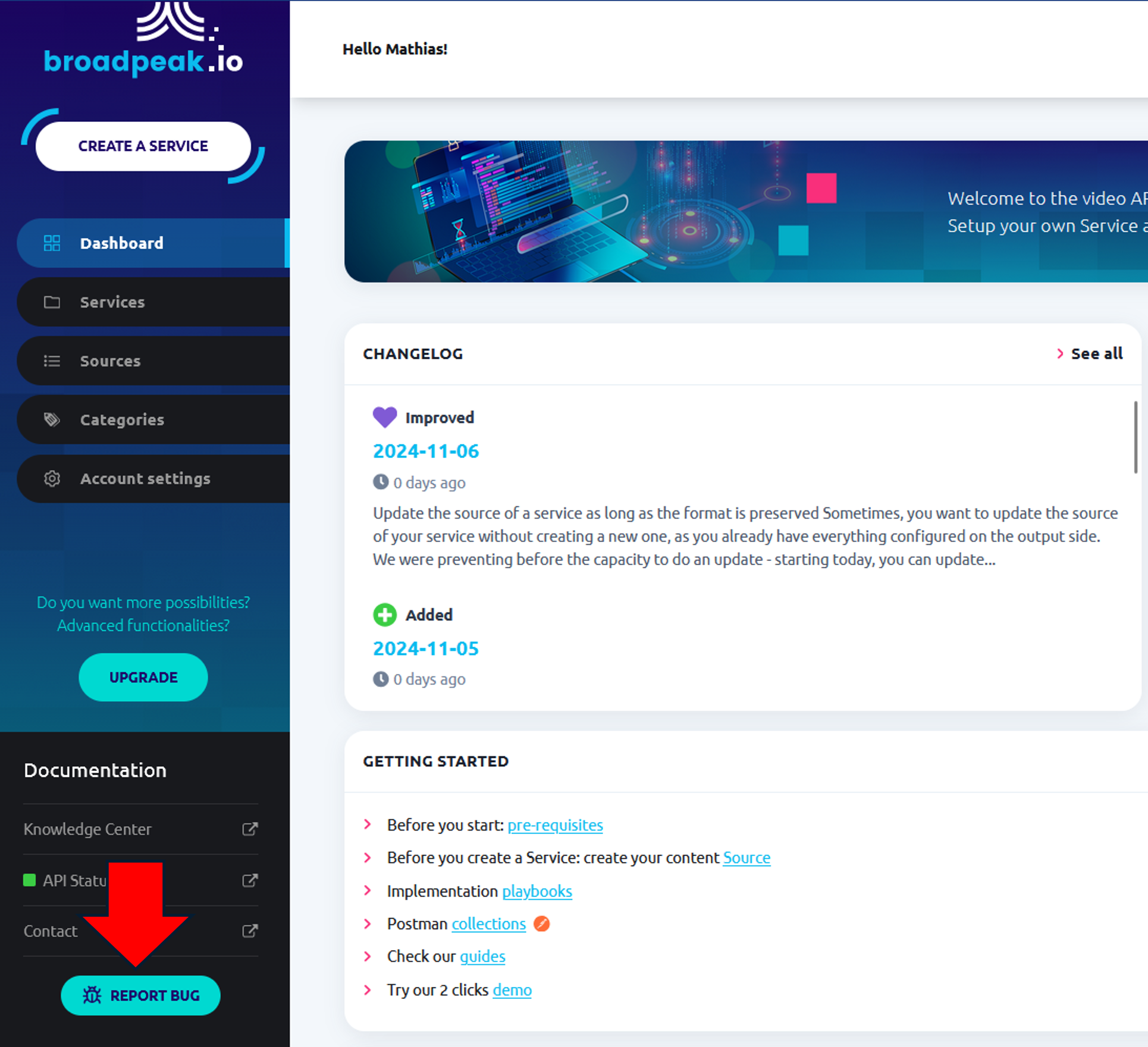
We understand that reporting issues should be quick and seamless to help us improve your experience with the app.
We’ve added an "I Have a Bug" button, accessible throughout the web app, that opens a simple reporting form. You can now specify the type of bug, when it occurred, the service affected, and provide a description—all in one convenient place. Look at the bottom left of your WebApp!
Update the source of a service as long as the format is preserved
Sometimes, you want to update the source of your service without creating a new one, as you already have everything configured on the output side.
We were preventing before the capacity to do an update - starting today, you can update via the web app or API the source of your services as soon as the format is preserved (HLS/DASH).
Addition of a changelog widget in the webapp dashboard
We recognized that it was not always easy to stay up-to-date with our latest features and bug fixes without checking the changelog of our Knowledge Center.
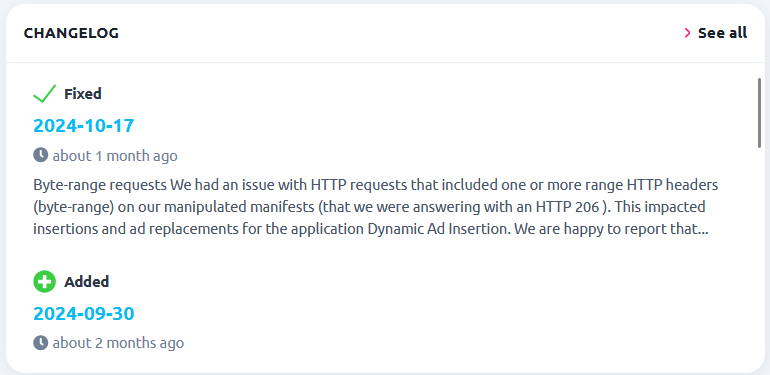
We have created a widget directly displayed on the web app dashboard to let you see new changelog entries.
We had an issue with HTTP requests that included one or more range HTTP headers (byte-range) on our manipulated manifests (that we were answering with an HTTP 206). This impacted insertions and ad replacements for the application Dynamic Ad Insertion.
We are happy to report that we fixed the problem, and you can now continue to use byte-range requests.
As a reminder, our platform returns HTTP response status code 206: Partial Content to indicate that an HTTP request has been completed and that the message body contains the requested data ranges.